
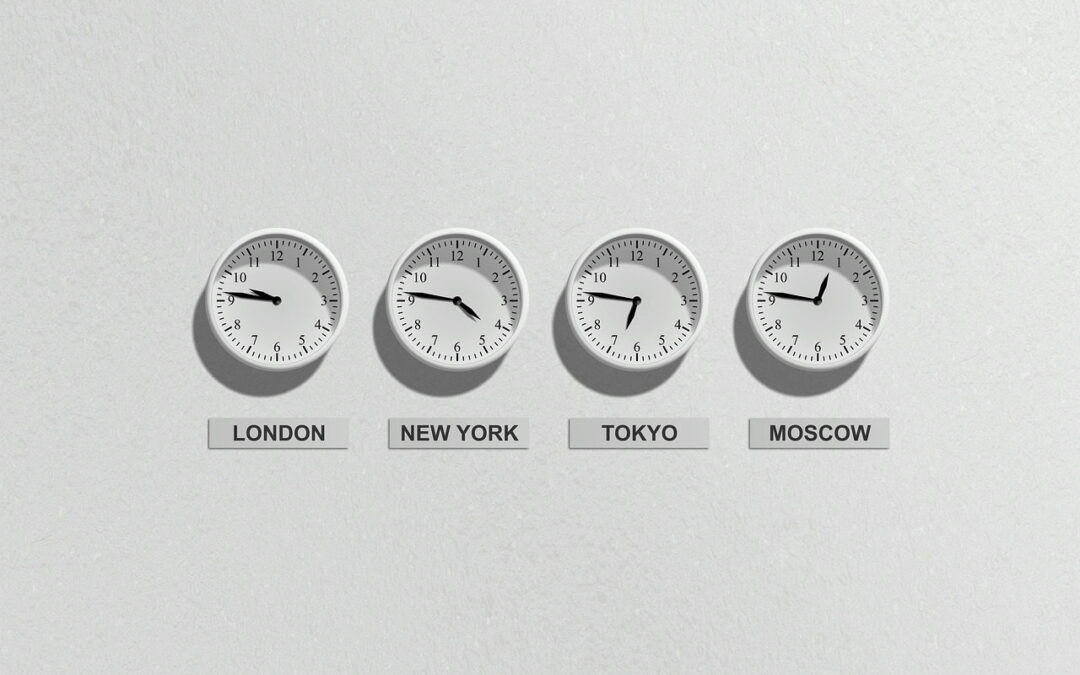
Most people meet a time zone converter the moment they are setting up a call or a sale that starts at the same instant in several places, which is also the moment they are least able to tell whether the times they have written down are comparable.
This page sets out exactly what this calculator computes: time zone conversion explained through Coordinated Universal Time (UTC), how an offset is applied in each direction, what happens when the result crosses midnight, and how offsets with minutes are handled. Then it runs one worked example with realistic figures so you can rerun the arithmetic yourself, and it lists the assumptions the answer rests on, including the one most tools hide, which is that the offset you entered is the one in force on the date of the event.
An offset is a fact with a date. This page prints no offset for any place. Every offset in the worked examples is an example input, and the offsets you use are yours to look up for the date you need.
This is general information, not financial advice. It is not medical advice either. Check any figure against the source named on the page.
Here is the formula
A time zone is described by its offset from UTC, written as plus or minus hours and minutes. The conversion goes through UTC in two steps:
UTC time = local time − offset of the starting zone
Target time = UTC time + offset of the target zone
Put together:
Target time = local time − starting offset + target offset
Subtracting a negative offset is the same as adding it. If the result goes past 24:00, subtract 24 hours and move the date forward one day. If it goes below 00:00, add 24 hours and move the date back one day.
The source for this formula
The arithmetic above is fixed. The offsets you feed into it are your inputs. The Internet Assigned Numbers Authority describes the Time Zone Database on its time zones page, read on 10 November 2026, and that page is a reference for where offset data is maintained. When you take an offset from any tool, write down the tool, the place and the date you checked, next to the figure.
Worked example
The figures below are example inputs chosen to make the arithmetic easy to follow. They are not the offsets of any named place on any named date.
- Example meeting time in zone A: 09:00. Example offset of zone A: UTC−5.
- Convert to UTC: 09:00 − (−5) = 09:00 + 5 hours = 14:00 UTC.
- Example offset of zone B: UTC+1. Time in zone B: 14:00 + 1 hour = 15:00.
- Example offset of zone C: UTC+9. Time in zone C: 14:00 + 9 hours = 23:00.
- Example offset of zone D: UTC+10. Time in zone D: 14:00 + 10 hours = 24:00, which is 00:00 on the next day.
Check it yourself the other way: from zone C, 23:00 − 9 hours = 14:00 UTC, and 14:00 + (−5) = 09:00 in zone A. You land back on the starting time.
Note step 5. The meeting is on one date in zone A and the next date in zone D. Writing the date beside every converted time avoids the most common scheduling slip.
Now replace the example offsets with the ones for your own zones on the date of your call or sale.
Crossing midnight backwards
The same formula can move the date back as well as forward.
- Example meeting time in zone E: 06:00. Example offset of zone E: UTC+8.
- Convert to UTC: 06:00 − 8 hours = −02:00, which is below 00:00.
- Add 24 hours and move the date back one day: −02:00 + 24:00 = 22:00 UTC on the previous day.
- Example offset of zone F: UTC−6. Time in zone F: 22:00 + (−6) = 16:00 on the previous day.
Check it yourself the other way: 16:00 − (−6) = 22:00 UTC on the previous day, and 22:00 + 8 hours = 30:00, which is 06:00 on the original day. You land back on the starting time and date.
Offsets with minutes
An offset can include minutes as well as hours. The formula is the same; the minutes simply come along with the hours.
- Example starting time: 14:00 UTC.
- Example target offset: UTC+5:30.
- Add the hours: 14:00 + 5 hours = 19:00.
- Add the minutes: 19:00 + 30 minutes = 19:30.
If the tool you use only accepts whole hours, it cannot hold an offset like this one. Check that it accepts minutes before you rely on it.
When an offset changes during the year
If a place you are scheduling for changes its offset at some point in the year, the gap between that place and the others can be different before and after the change. The formula does not know about the change. It only uses the offset you give it. The checks that keep the inputs right:
- Look up each offset for the actual date of the event, not today’s date.
- If the event repeats weekly, check the offsets for each date in the series, not just the first one.
- If the event falls close to a change, check the time of the change as well as the date.
- Put the event in a calendar that stores times together with their zone.
Rounding
Time zone conversion does not round. Every offset is an exact number of hours and minutes, so the result is exact. If two tools give different answers, the cause is a different offset for one of the zones, not rounding. Look at which offset each tool applied, and check it for the date in question.
This assumes
- The offset you entered for each zone is the one in force on the date of the event.
- The starting time is written in the starting zone, not in your own.
- The clock is 24-hour, or morning and afternoon are marked clearly.
- The date is carried along when the result crosses midnight.
When time zone conversion goes wrong
The arithmetic holds. Schedules go wrong when an input does:
- Today’s offset used for a future date. Check the offset for the event date.
- Short zone names. Write the place name or the UTC offset, which leaves less room for misreading.
- Morning and afternoon mixed up. Write times in 24-hour form when sending them across zones.
- Dates dropped. A converted time without its date can point to the wrong day.
- Sign errors. Subtracting a negative offset means adding it. Write each step out rather than doing it in your head.
A routine for holiday calls and online sales
- Pick one reference zone and write the event in it, with the date. UTC is a neutral choice.
- List every zone you need, by place name.
- Look up each offset for the date of the event, and write the date you checked.
- Convert each time using the formula, and write the date next to each result.
- Check one result the other way to catch a sign error.
- Send the times in 24-hour form, with the date and the place name, so each person can confirm their own.
The related question: how many hours apart are two places?
The difference between two zones is the target offset minus the starting offset. With the example offsets of UTC−5 and UTC+9, the difference is 9 − (−5) = 14 hours. That figure holds only while both offsets stay the same, so check it again on the date of each event.
Further reading
- Internet Assigned Numbers Authority (iana.org): the Time Zone Database.
This is general information, not financial advice. It is not medical advice either. Check any figure against the source named on the page.
Expert Calculators Editorial